Flipped Photo Challenge
Mirror Mode Spot the Difference
In Mirror Mode, Photo B is flipped left to right like a mirror reflection. Your eyes can no longer dart straight across to compare spots, turning even familiar scenes into a fresh brain teaser. You can switch Mirror Mode on for any puzzle on SubtleSpot.
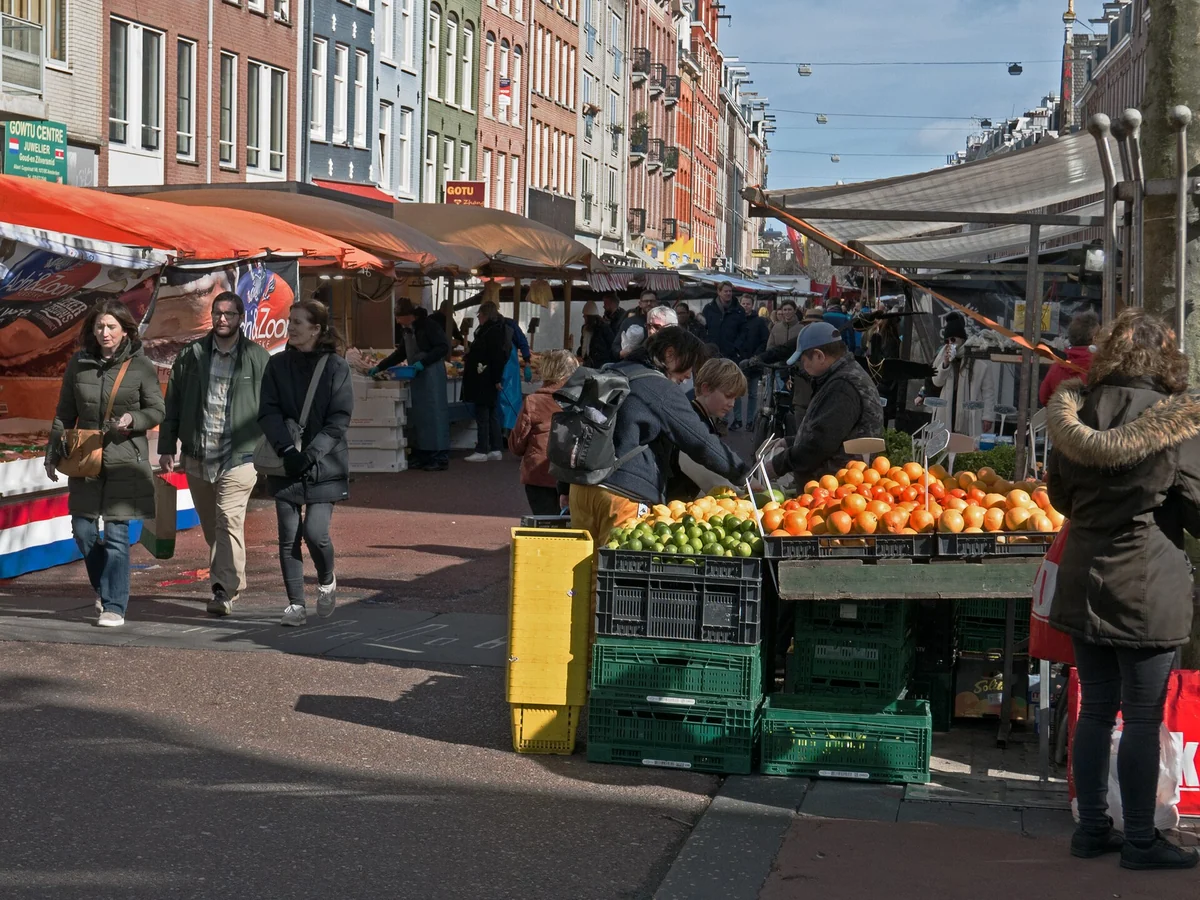 Photo A
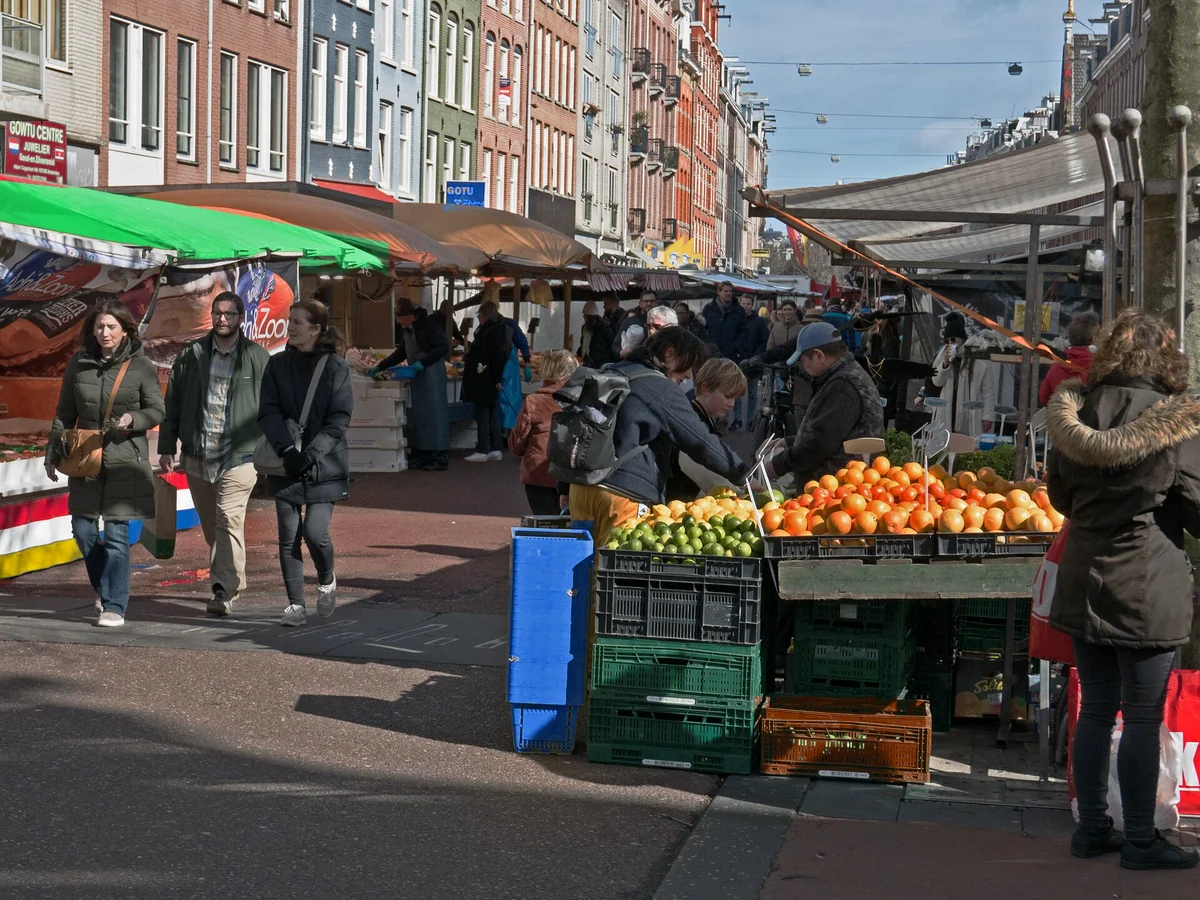 Photo B (Mirrored)
Mirror Mode Active · Click or tap any difference on Photo A or Photo B.
SubtleSpot · Free Printable Photo Puzzle
Amsterdam Street Fruit Market
Difficulty: Medium
Find 6 differences
Photo A
Photo B
Circle each difference you spot and check them off below (Answer Key on Page 2):
subtlespot.com/puzzles/amsterdam-fruit-market · CC0 Public Domain Source Photography
SubtleSpot · Answer Key
Amsterdam Street Fruit Market (6 Differences)
subtlespot.com
- 1. Tall yellow foreground crate turned cobalt blue
- 2. Bright orange stall awning on left turned forest green
- 3. Green "Gowtu Centre" wall sign turned crimson red
- 4. Bottom-right green crate turned warm terracotta
- 5. Blue lower stripe on far-left banner turned bright yellow
- 6. Small red "Gotu" wall sign turned bright blue
Try Mirror Mode on More Scenes
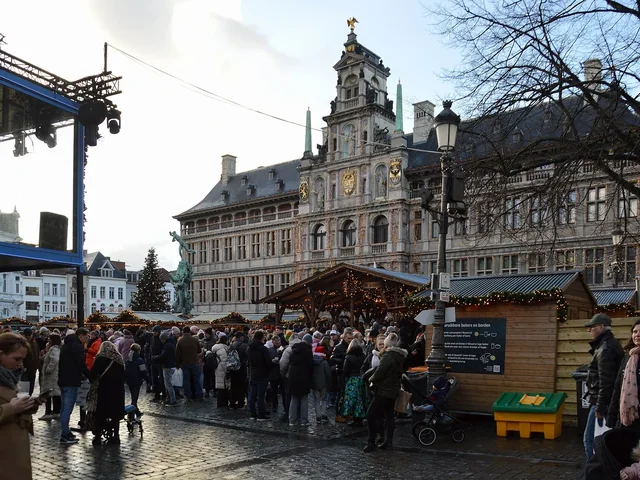
Antwerp Christmas Market
Holiday stalls light up Antwerp's historic Grote Markt square. Spot 6 differences.
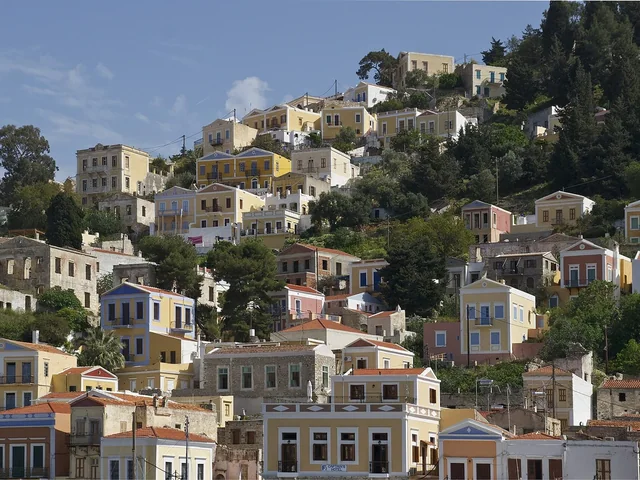
Symi Harbor Hillside
Pastel hillside homes stacked above a Greek harbor. Can you spot all 7 changes?
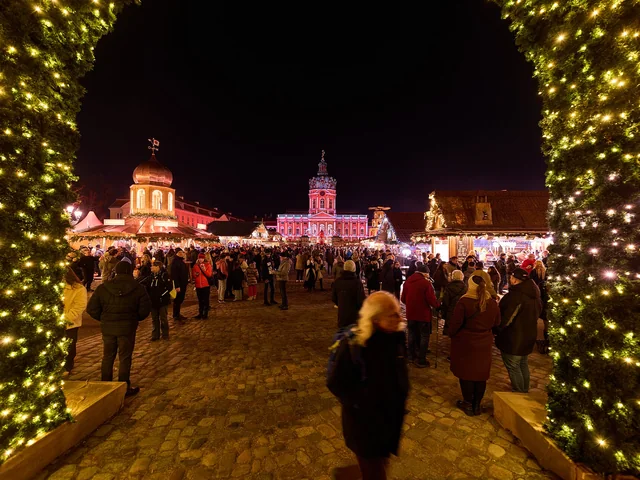
Berlin Palace Christmas Market
Evening shoppers gather outside a lit baroque palace in Berlin. Find 6 differences.
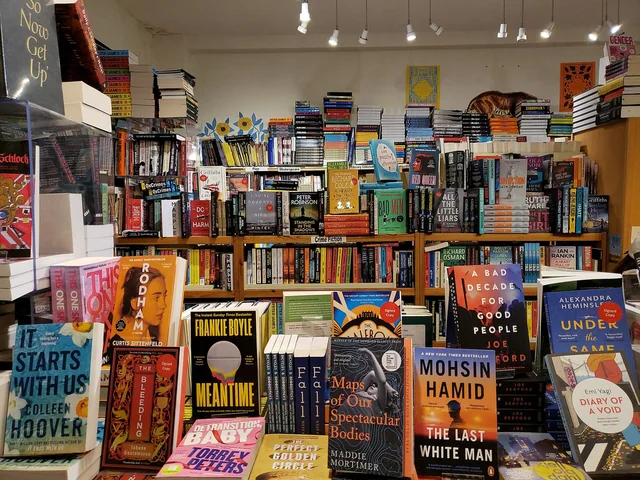
Independent Bookshop Shelves
An independent bookshop packed wall to wall with fiction tables. Our toughest 8-difference puzzle.
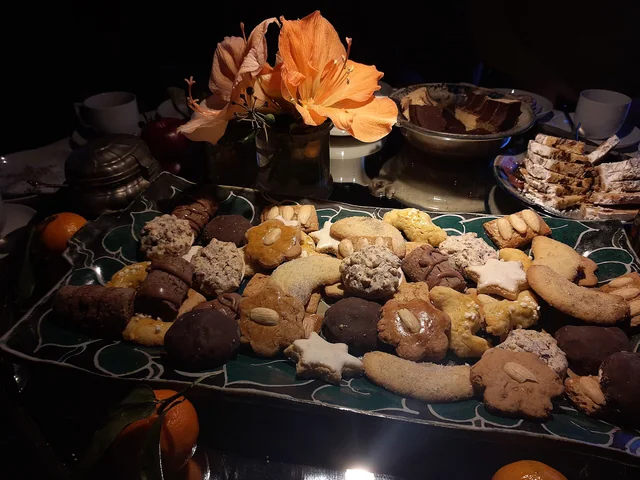
Holiday Cookie Platter
Holiday cookies, fresh tangerines, and a winter amaryllis bloom. An easy 5-difference warm-up.
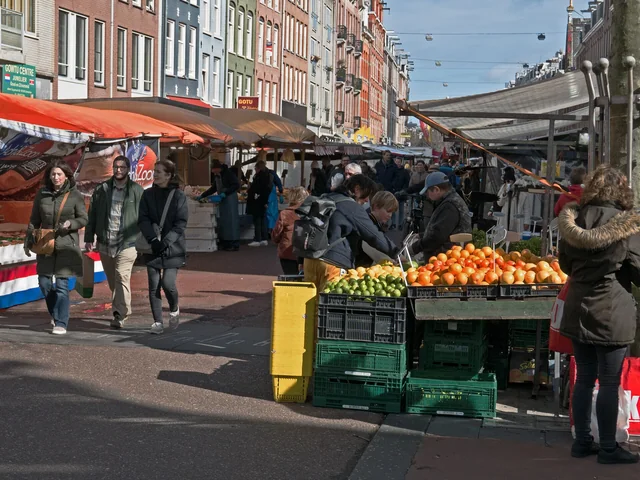
Amsterdam Street Fruit Market
Morning produce stalls along Amsterdam's famous Albert Cuyp street market. Spot 6 differences.
Why Mirror Mode Makes Familiar Photos Feel Brand New
When both photographs share the same orientation, rapid side-to-side eye flicks let you spot changes almost automatically. Flipping Photo B breaks that shortcut: objects on the far left of Photo A move to the far right of Photo B. Pair Mirror Mode with our Endless Pattern Grid or browse all 30 scenes in the Puzzle Archive.